
The Mouse Pointer Gets a Glow-Up
The cursor spent 50 years helping us navigate software. With Gemini, Google wants it to understand context, infer intent, and become the front door to AI action.

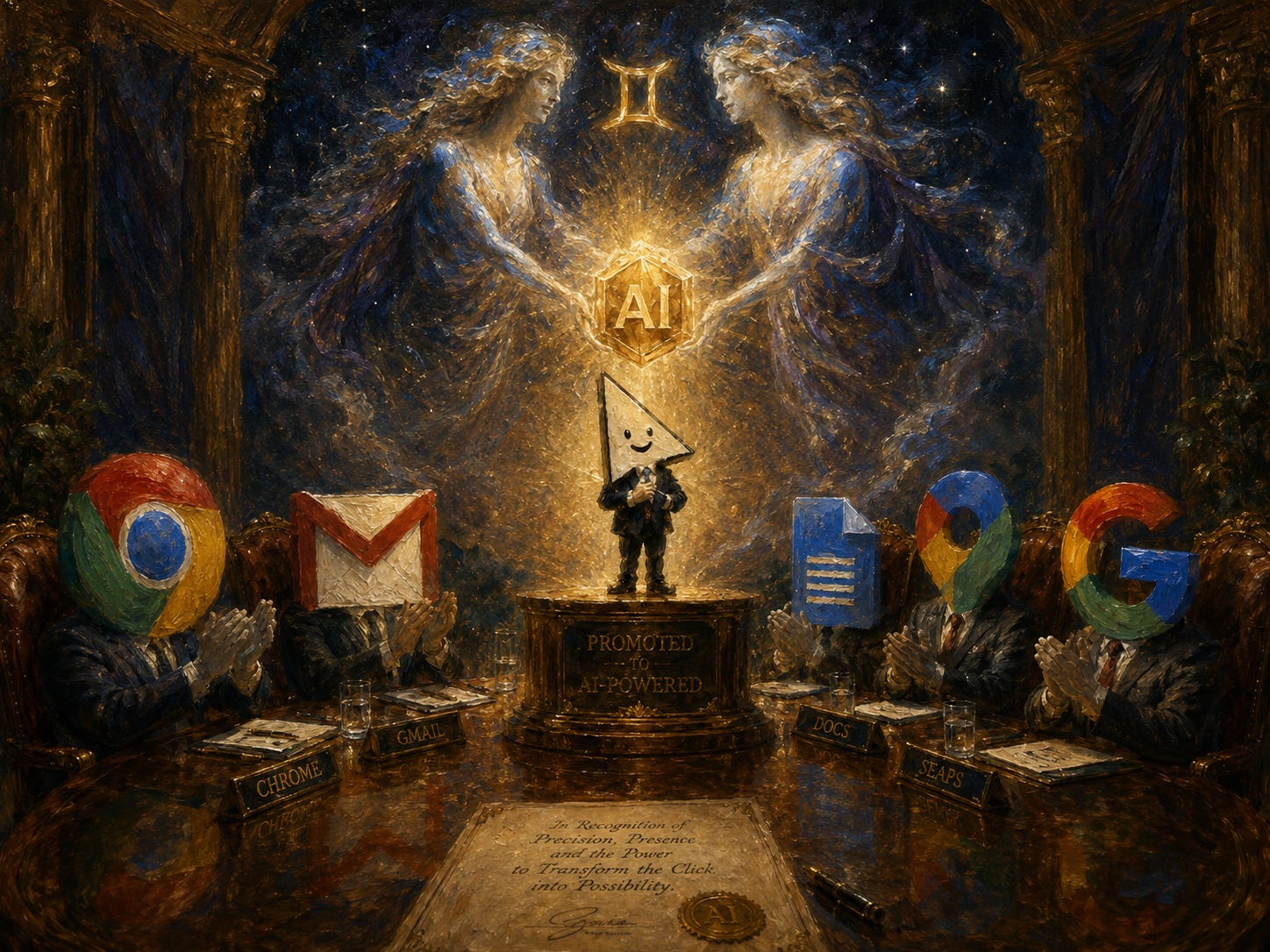
For most of computing history, the mouse pointer has had one job: point at the thing. That sounds trivial until you remember the alternative. Before graphical interfaces, computers mostly asked humans to speak computer: memorize the command, get the syntax right, navigate the machine on its terms.
Then came the mouse pointer, one of the most successful abstractions in computing history. Douglas Engelbart and Bill English built the early mouse at Stanford Research Institute in the 1960s. In 1968, Engelbart used it during the now-famous “Mother of All Demos,” a 90-minute preview of the future that included windows, hypertext, collaborative editing, video conferencing, and the mouse. Basically, a full tour of modern computing, delivered at a time when most people still thought computers were room-sized calculators.
The mouse eventually made its way through Xerox PARC, Apple Lisa, and then the Macintosh. By 1984, the pointer had become the little arrow that made computers feel more navigable. You could see a file, grab it, move it, open it, delete it, regret deleting it, and spend the next hour trying to recover it like a normal person. The cursor became your hand inside the machine and turned computing into a spatial experience.
And then, for roughly forty years, it stayed that way.
Yes, we got right-click. We got trackpads. We got gestures. We got touchscreens. We got hover states, drag handles, context menus, and the tiny spinning beachball of existential dread. But the basic contract remained the same: the pointer knew where it was but it did not know what it was pointing at.
Google DeepMind now wants to change that.
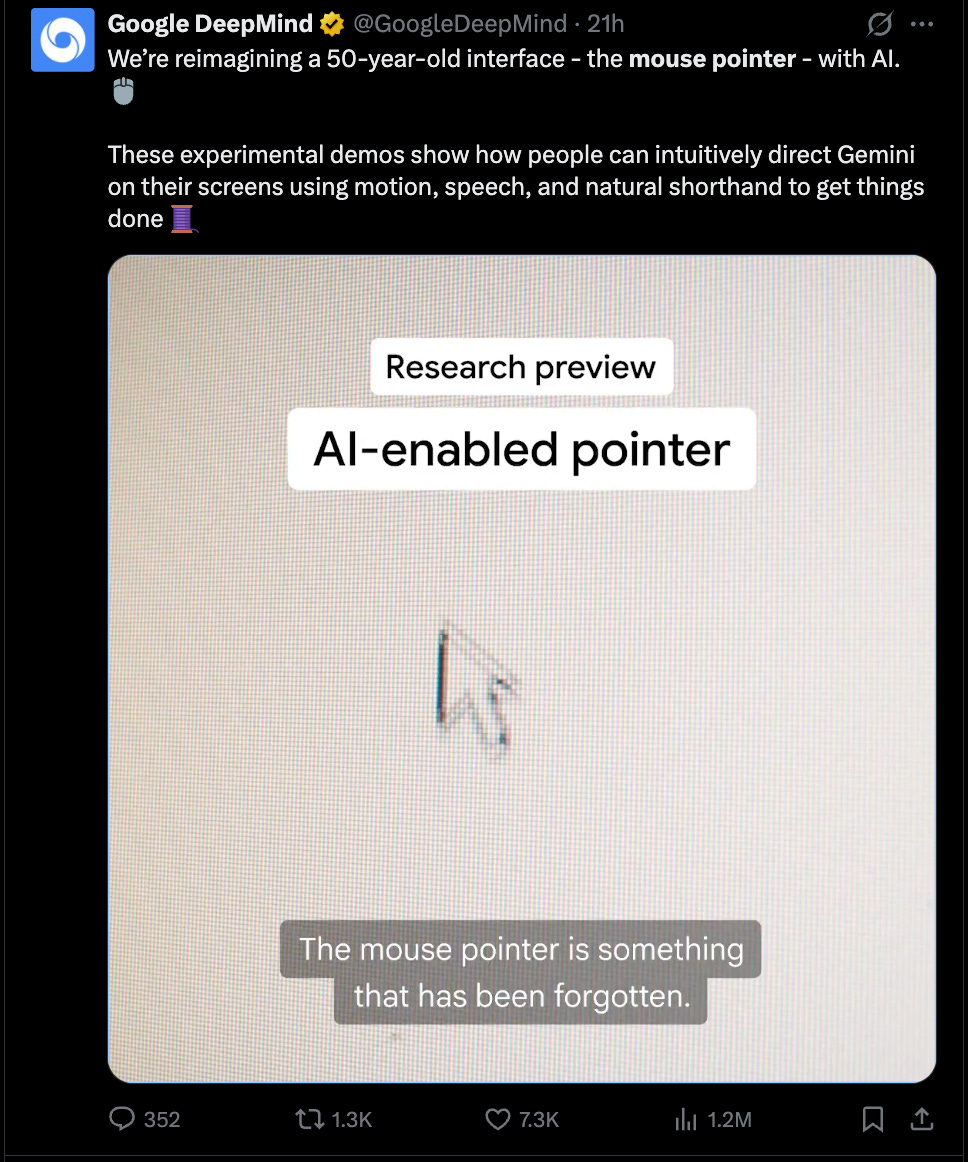
This week, Google showed an experimental AI-enabled pointer powered by Gemini. The idea is simple: your cursor should understand the thing beneath it. A paragraph. A chart. A building in a photo. A PDF. A couch you are thinking about buying and the empty corner of your living room where your optimism currently lives.
Instead of opening a chatbot, pasting in context, and writing a prompt that begins with “Based on the following,” you point at the thing and ask for what you want: summarize this PDF, compare these products, turn this table into a chart, double this recipe, show me directions to that building, visualize this couch in this room. That sounds small but it’s not.
The first wave of AI UX made users manually shuttle context between the world where the work lives and the box where the intelligence lives. Open chatbot. Paste context. Explain task. Copy answer. Return to work. Congratulations, you have successfully replaced one task with seven smaller tasks and a new subscription.
Google’s pointer goes after the interface tax: context transfer. Their insight is that the pointer already sits at the exact point of intent. When you hover over something, you are saying: this is the thing I care about. Historically, the computer could interpret that gesture only procedurally. Click opens. Drag moves. Highlight selects. Right-click reveals a menu.
AI makes the same gesture semantic. The pointer becomes less like a finger and more like a translator between human attention and machine action.
The last two years have produced a lot of AI hardware theater: a festival of pins, pendants, voice-first gadgets, ambient companions. A lot of AI product thinking has assumed the future requires new devices, new interfaces, new habits, and new rituals. But the most durable products often win by upgrading existing behavior rather than replacing it. Google’s pointer is interesting because it respects the installed base of human habit. They looked at one of the most durable interaction models in computing and asked what it becomes when the machine can see, read, reason, and act.
A context-aware pointer is powerful because it can understand what is on your screen, but it can also be concerning for exactly the same reason.
If the cursor becomes an AI sensor, the obvious questions follow. What does it see? What gets processed locally? What goes to Google’s servers? What is stored? What is used for personalization? What is used for training? What happens when the pointer hovers over a medical bill, a private Slack message, a board deck, a bank statement, or a half-written resignation letter?
The interface breakthrough and the privacy problem share the same root: the cursor is everywhere. The best version of this is user-invoked, context-bounded, transparent, and quiet until summoned. The worst version is Clippy with a panopticon and better latency.
The feature is coming to Gemini in Chrome and to Googlebook as Magic Pointer. Chrome is the natural starting point because so much work now happens in the browser, and the browser has enough structure to make context useful. Googlebook gives Google a more controlled canvas, where the pointer can become part of the OS-level AI experience rather than a feature bolted onto a tab.
The mouse pointer began as a way to move through information. Google is trying to make it a way to reason over information. For a 50-year-old arrow, that is not a bad second act.
I was already doing this in PixelClaw (https://github.com/JoeStrout/PixelClaw) — whenever the mouse is over the image you're working together on, the LLM gets the coordinates and color of that point as context. You can say things like "fill the background with this color" or "make this area transparent". It is indeed a nice way to interact with an agent!